Click here to visit our Spanish blog. Visita nuestro blog en Español.
Click here to visit our Portuguese blog. Visite nosso blog em Português
en español
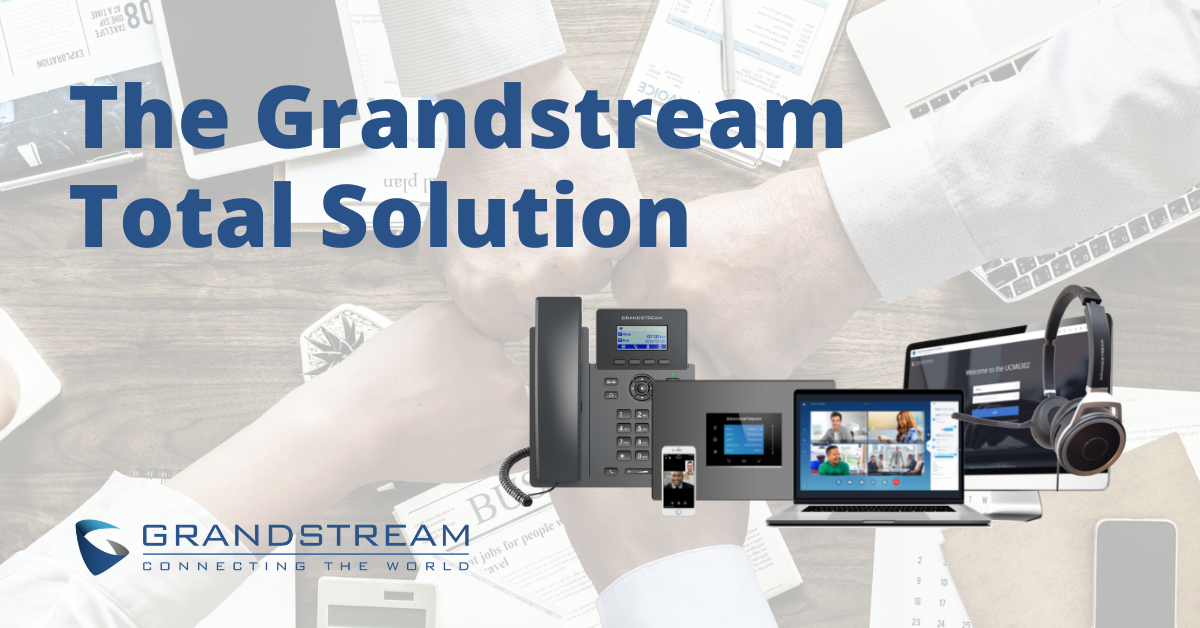
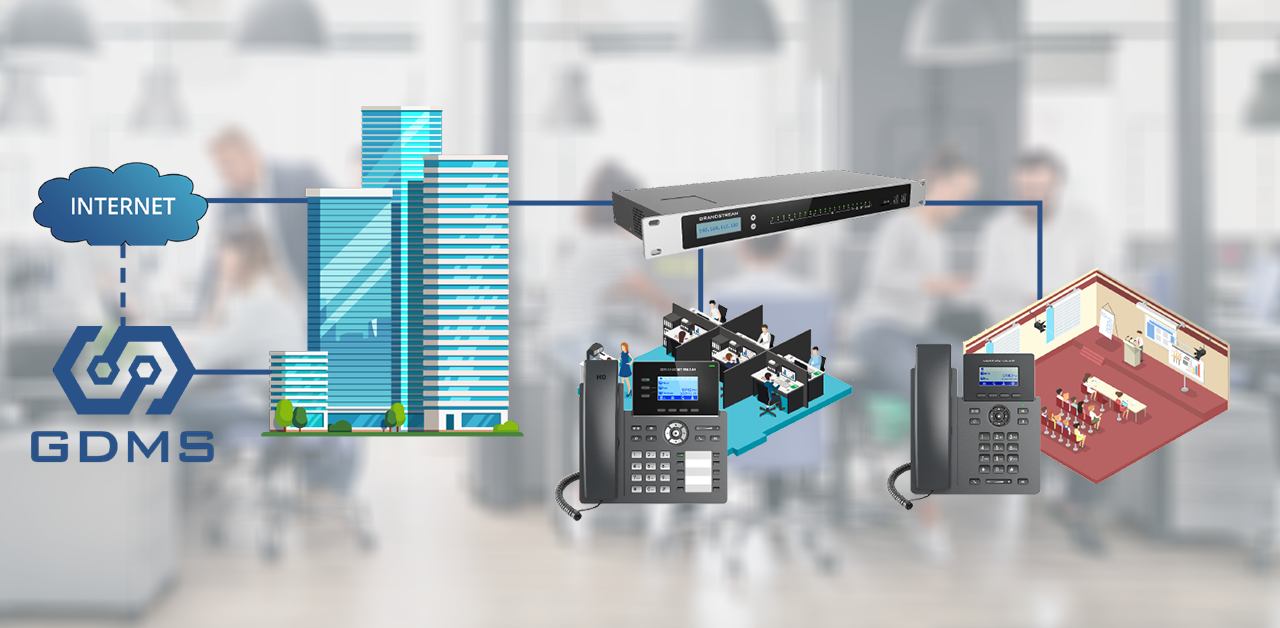
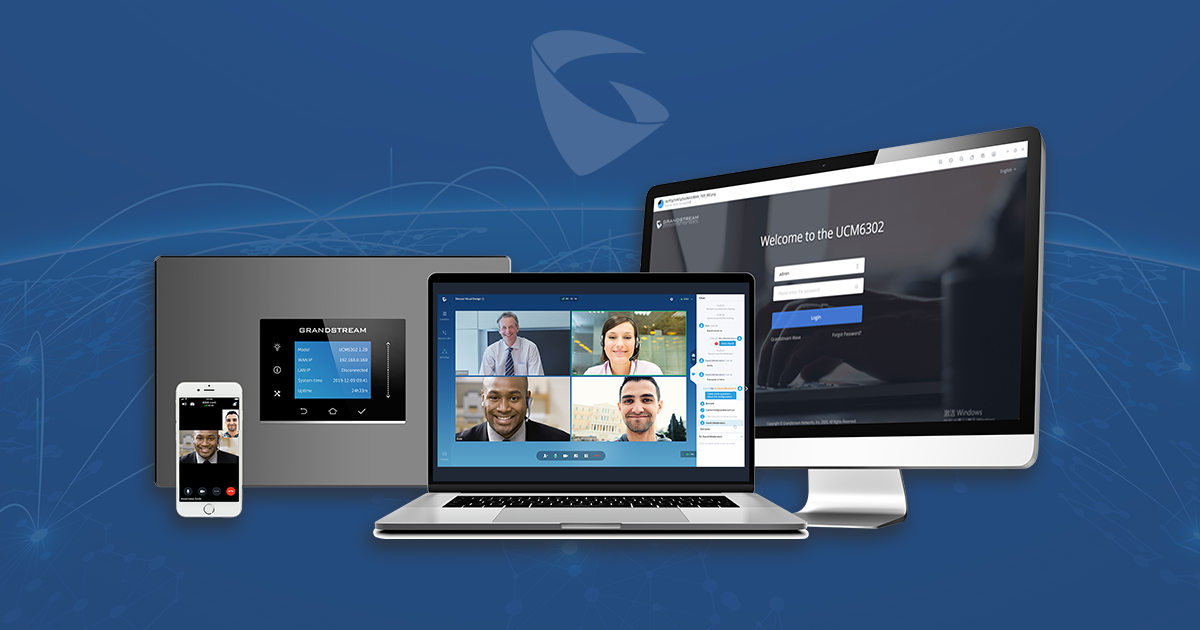
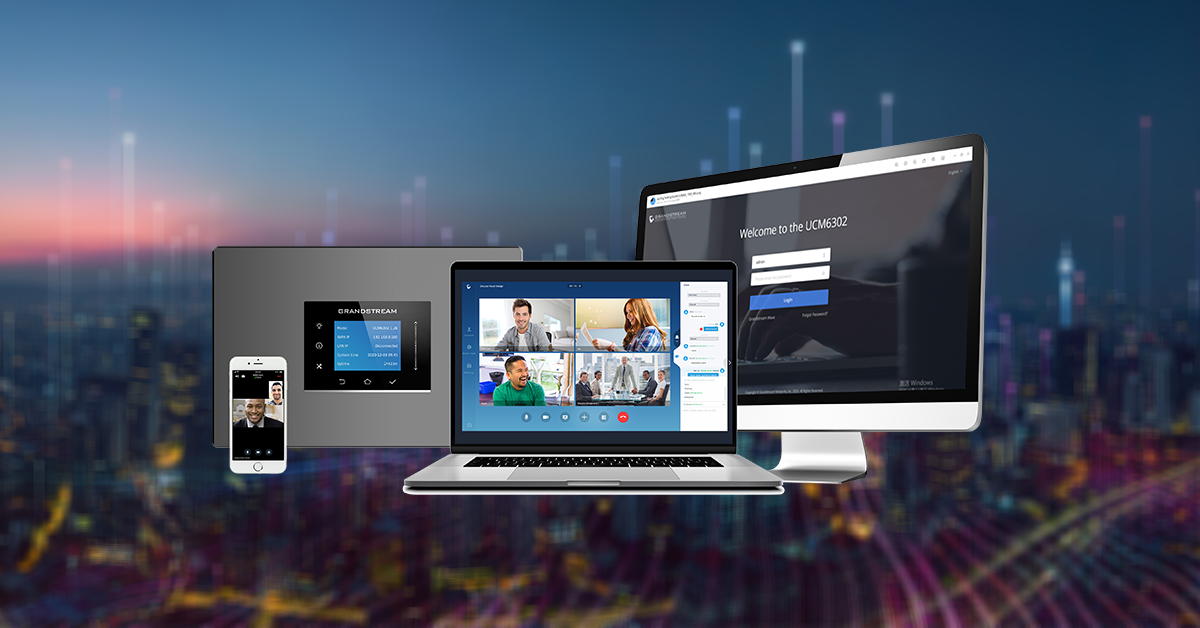
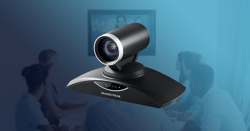
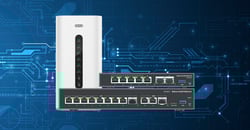
In every business, no matter the size, there is a need for the communication infrastructure for its employees and visitors. Oftentimes, each element of this infrastructure comes from a different place or manufacturer resulting in sometimes spotty connectivity and a variety of different platforms to control it all. With Grandstream Networks, the solutions you need are all in one place. From video conferencing to security and facility access, the Grandstream total solution keeps each element of your communications infrastructure affordable and accessible.
Read More
Topics:
Grandstream Solution,
Unified Communications,
GWN,
Video Conferencing,
Networking,
security and facility access,
IPVideoTalk
802.11ax, MU-MIMO, and OFDMA
Wi-Fi 6, also known as 802.11ax, was released in 2019. It has only now begun to see mainstream adoption as the go-to Wi-Fi standard for Wi-Fi manufacturers and businesses alike. Although it may be more expensive, Wi-Fi 6 access points deliver key advantages over Wi-Fi 5. 801.11ax performs up to 4x better in denser environments than its 802.11ac (Wi-Fi 5) counterpart. Wi-Fi 6 is also designed to better manage multiple types of Wi-Fi devices that are simultaneously connecting to an access point. Lastly, according to chip manufactures, Wi-Fi 6 delivers up to 3x faster performance.
There are two major Wi-Fi 6 features that we'll be covering in this blog post, which makes all this possible, MU-MIMO and OFDMA.
Read More
Topics:
Wi-Fi
As a small business owner, your phone system sets the tone for callers. It lets them know what it will be like to do business with you; it gives them a glimpse into your personality and the type of company you are.
Read More
en español
Desktop phones are the backbone of communications for any business. As ever changing as technology is, so is the way we communicate, and IP phones are developing and adapting to fit the needs of present-day businesses. Businesses of all sizes are looking for a long-lasting and reliable system that includes 3rd party integrations, hybrid analog to VoIP solutions, Wi-Fi voice, video, virtual phone systems, and more. Choosing the right VoIP phone for any business can seem daunting with so many options on the market. It will largely depend on the answers to a variety of questions and circumstances. In this blog post, we’ll cover some of the major factors that are worth considering when choosing the right IP phones for your client/business.
Read More
en español
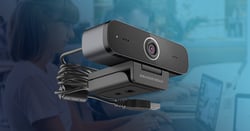
Distractions. Our workdays are filled with them regardless of where your office is. Noisy co-workers, slow Wi-Fi, constant chit-chat, loud neighbors, or working from home with disruptive family members, these workplace distractions can significantly hinder productivity and work throughout the week. While you can’t control every aspect of your work environment, you can at least control your desktop. In this blog post, we’ll cover three key steps that you can take to make your desktop more productive.
Read More
Topics:
GUV Series,
Personal Collaboration Devices,
GUV3100,
remote work,
productivity,
GUV3050
en español
It is no secret that the demand for video collaboration has increased substantially as a result of the COVID-19 global pandemic. With an increase in the demand for video collaboration, the industry is implementing advanced features to stay competitive and keep up with the tools needed to do business remotely. In the new year, we look toward the future of video collaboration, and it’s clear that Artificial Intelligence (AI) will begin to play a bigger role. Although business travel will bounce back, it may never be the same. With more advanced collaboration systems and new technology, companies have realized how much they can save on travel expenses while expanding communication with teams across the globe. We have also seen the emergence of large online events such as virtual trade shows, performances, classes and more. So, what are these new technologies and how can we benefit from them being integrated with our business collaboration systems?
Read More
Topics:
Video Conferencing,
artificial intelligence
Features, Capabilities, and Deployment Scenarios
The newest addition to our GRP2600 series, the essential IP phone line, brings affordable and powerful devices to the desktop of any business or home office. As part of the GRP series of Carrier-Grade IP Phones, this line is also equipped with zero-touch provisioning for mass deployment and easy management. Built for the basic needs of desktop workers and designed for easy deployment by enterprises, service providers, installers, and other high-volume markets, the essential IP series is an ideal choice for easy-to-use and easy-to-deploy VoIP endpoints. Within this blog post, we’ll provide a brief overview of the features, capabilities, and deployment scenarios of our new essential IP phones.
Read More
Topics:
Unified Communications,
GRP2600
en español
em português
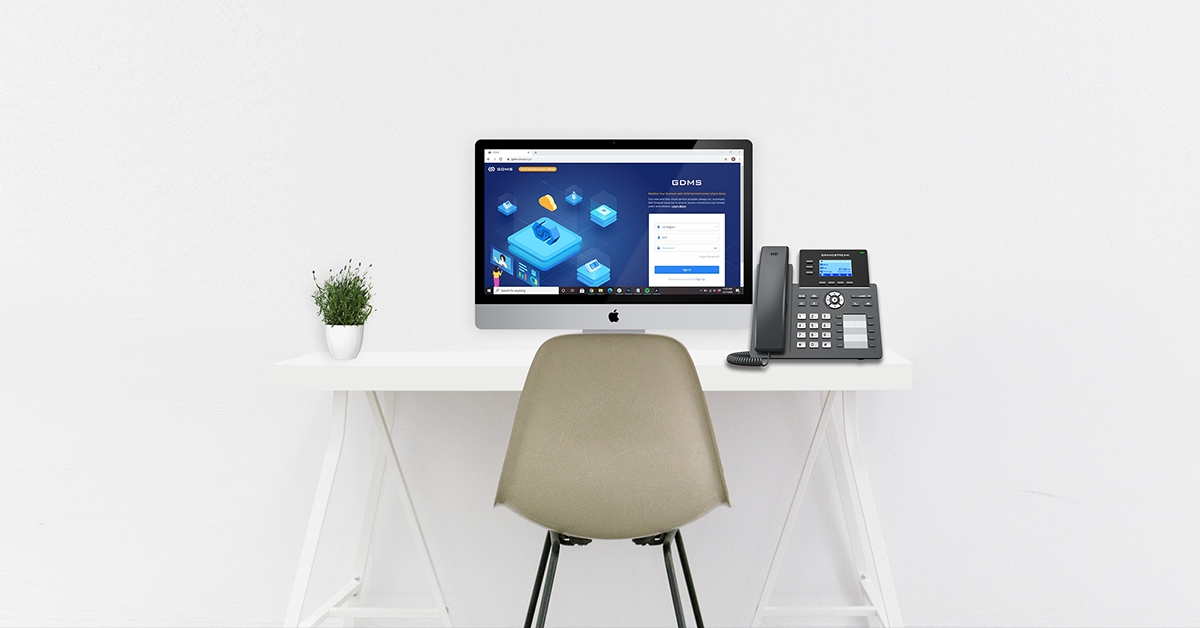
UCM RemoteConnect Overview
UCM RemoteConnect, a part of the UCM6300 Ecosystem, is a companion cloud service to the UCM6300 series IP PBXs. UCM RemoteConnect allows organizations to build a secure, easy-to-manage communications and collaboration solution for remote workers and devices. Network administrators can configure, edit, and manage every aspect of their UCM6300 device from the cloud through UCM RemoteConnect. The service provides automatic NAT firewall traversal that securely connects remote users to the IP PBX. The cloud service provides reliability by running on Amazon Web Services (AWS) while offering zero-touch configuration and IT-friendly management. As it is integrated with the Grandstream Device Management System, every business can control and customize their network in one central location. UCM RemoteConnect allows for users to just connect their devices to the internet to be linked with their organization, providing a hassle-free experience.
Read More
Topics:
Unified Communications,
UCM series IP PBXs,
Wave,
UCM RemoteConnect,
UCM6300,
Wave Web App
Grandstream's Upcoming Onsite and Remote Communications Solution
In our previous blog post, we wrote on how the COVID-19 pandemic didn't create a new demand within the communications and collaboration market, it sped up its adoption. Remote work isn't anything new, it is a trend that has been gradually developing prior to the pandemic accelerating it into a status quo. At Grandstream, we recognized the need for a solution that is as customizable and secure as an onsite device, while being as flexible as a remote cloud solution. The upcoming UCM6300 Ecosystem is a solution bundle that provides complete communications and collaboration for onsite and remote deployments. Installers and IT teams will be able to create IP communication and collaboration solutions with Grandstream products that can seamlessly bridge geographical gaps to link all users within an organization under one network, no matter their location.
Read More
Topics:
Remote Workers,
voip network,
UCM series IP PBXs
en español
In 2020, many office workers have had to adjust to a remote work setting. Now that some are beginning to go back to the office, what will the office look like as we begin to increase capacity in these spaces? How do we keep our employee’s safe, separated, and easily connected? With lockdown restrictions easing and workers beginning to head back into the office, employers need to plan how they will set up their office to keep workers safe, healthy and productive. Here are some tips and suggestions for using communications technology to safely and productively return to the office.
Read More
Topics:
Remote Workers,
mobility,
Personal Collaboration Devices,
productivity











.webp?width=250&height=131&name=how-to-use-gdms-q1-2024%20(1).webp)